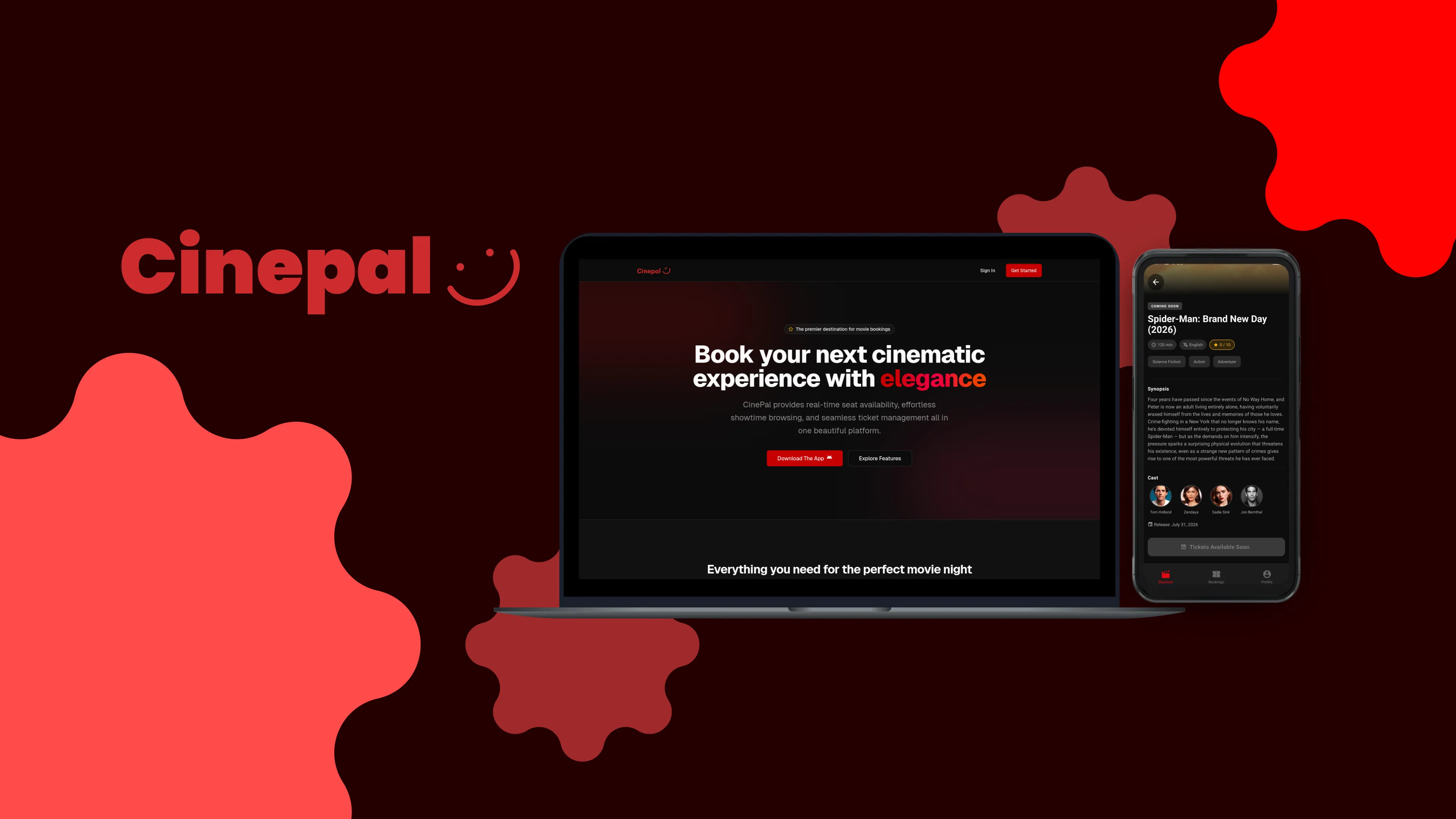
Hello everyone, and welcome back! If you’ve been following my journey, you know I’m always looking for projects that challenge my understanding of full-stack development and system architecture. Today, I’m incredibly excited to share my latest project with you: CinePal.
CinePal isn’t just a simple web app; it’s a comprehensive, state-of-the-art movie ticket booking platform. It features a React Native Android application for users to browse and book tickets, a powerful Next.js 14 dashboard for administrators, and a robust Express backend tying it all together. Let’s dive into the development process, the technical decisions I made, and how I structured this multi-platform ecosystem.
The Challenge: A Unified Experience
When planning CinePal, the core challenge was clear: how do we maintain a seamless, synchronized state between an administrative dashboard and thousands of potential mobile users?
A movie ticketing system has a few unique constraints:
- Atomic Seat Holds: If a user selects a seat, it needs to be locked instantly to prevent double-booking.
- Multi-Platform Access: We needed a mobile app for consumers (Android) and a web dashboard for theatre administrators.
- Unified Authentication: Users and admins need secure, distinct access roles managed across completely different client platforms.
We opted for a centralized backend approach because attempting to manage state across disconnected services would have proven too difficult to scale and synchronize effectively.
The Process: Selecting the Tech Stack
Rather than over-engineering a custom solution, we decided to jump in and build a highly modular architecture using tools that excel in their respective domains. I chose a modernized MERN stack (MongoDB, Express, React/React Native, Node.js) but with a few powerful additions.
- Backend: Node.js and Express form our single source of truth.
- Database: MongoDB Atlas, which gives us the flexibility to model complex relationships (like showtimes and seat layouts) naturally.
- Admin Dashboard: Next.js 14 (App Router) combined with Tailwind CSS and shadcn/ui for rapid, beautiful UI development.
- Mobile Client: React Native (Expo) for a fluid Android experience.
- Authentication: Clerk, which gracefully handles multi-platform JWT validation and role-based access control.
Structuring the Project
To keep the ecosystem clean and manageable, the codebase is organized into distinct modules. Here is a high-level look at the project structure:
Technical Deep Dive: The Architecture
Let’s break down how the core components of CinePal interact to deliver a seamless movie booking experience.
1. Single Source of Truth Backend
The Express server is the heart of CinePal. It serves both the React Native app and the Next.js admin dashboard via a unified REST API. By keeping all business logic—from calculating showtimes to enforcing the 24-hour refund policy—centralized in the Express controllers, we ensure that both clients are always in sync.
2. Atomic Seat Reservations with MongoDB
One of the most interesting technical hurdles was the seat booking engine. When a user selects a seat in the mobile app, we initiate a session-based reservation. To prevent double-booking, we use MongoDB’s findOneAndUpdate combined with complex arrayFilters to create an atomic seat hold with a 10-minute expiry time.
If the payment isn’t completed within that window, a background job releases the hold. This ensures fair booking without relying on heavy relational locking mechanisms. Here’s a glimpse into the atomic update logic from our Express routes:
This atomic operation means we don’t have to worry about race conditions when thousands of users are booking tickets for the same blockbuster on opening night.
3. Multi-Platform Authentication via Clerk
Handling authentication across a React Native mobile app and a Next.js web app can be a nightmare. I chose Clerk because it simplifies this immensely.
When a user logs into the mobile app or an admin accesses the dashboard, Clerk issues a JWT. Our Express backend middleware then validates this token against Clerk’s SDK. What I love about this setup is how easily we can implement role-based access control (RBAC) using Clerk’s publicMetadata.
This decoupled approach means our Express API doesn’t have to manage passwords, handle password resets, or maintain complex session states in the database.
4. Next.js Admin & Catalogue Management
The Admin Dashboard is built with Next.js 14. This allows administrators to manage the movie catalogue, upload posters directly to Cloudinary, and schedule showtimes using a powerful date-range scheduler. Next.js’s server-side capabilities made it incredibly fast to build secure, data-heavy administrative tables.
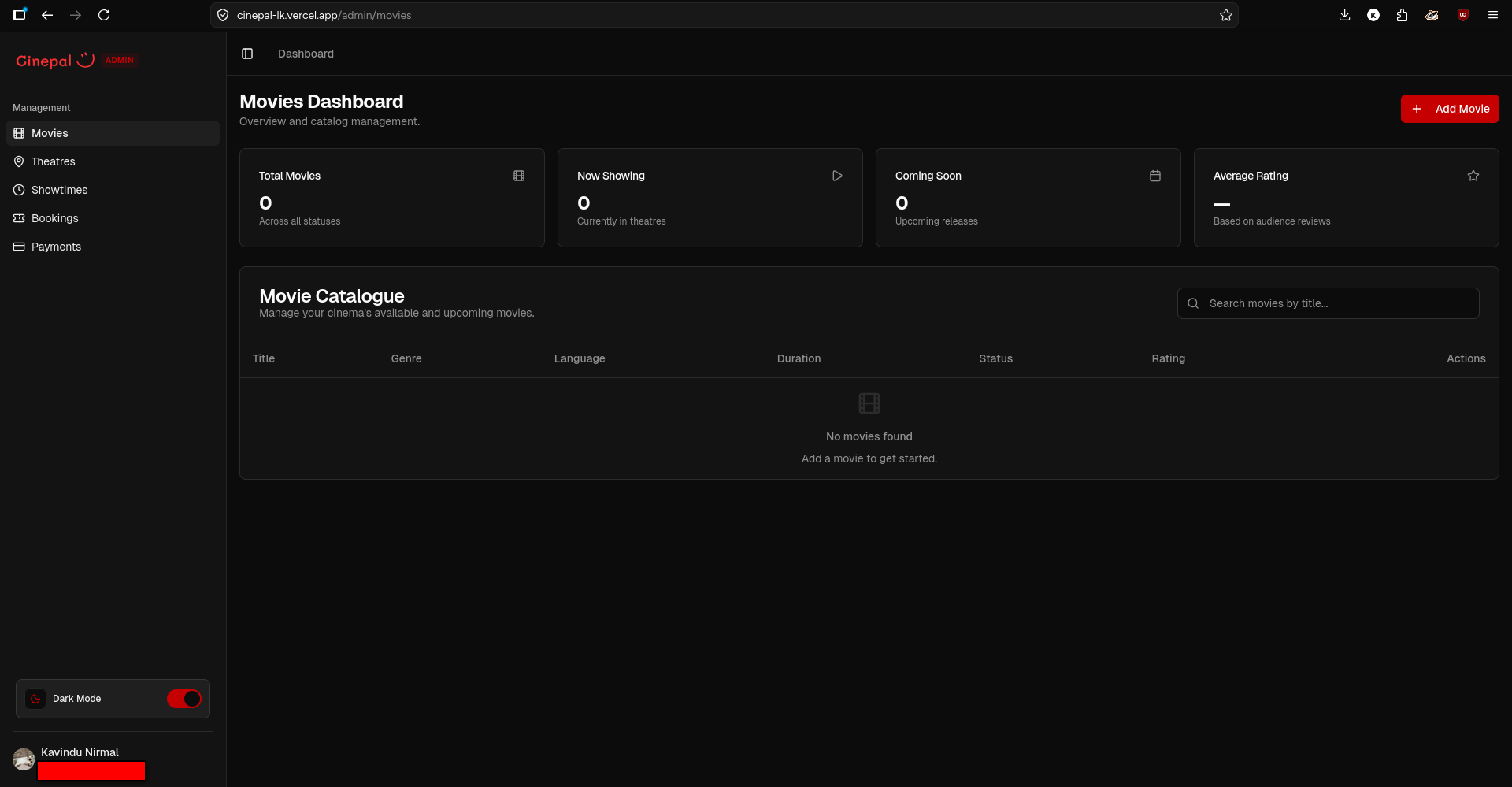
Managing the movie catalogue and showtimes via Next.js
Conclusion
Building CinePal has been a phenomenal experience in managing state across multiple platforms and building robust, scalable APIs. It reinforced the importance of clear API contracts (which we documented using OpenAPI!) and modular architecture.
While the system is fully functional, I’m already looking forward to future improvements, such as integrating Redis for even faster showtime caching and expanding the mobile app to iOS.
Thank you for reading! I love discussing system architecture, full-stack development, and everything in between. If you’re a fellow software engineer, a recruiter, or just someone who enjoys talking tech, I’d love to connect. You can find more of my work on GitHub or reach out via email at hello@kavindunirmal.com.
Until next time, keep building!